USSD 1.9.0+ SETUP TUTORIAL
USSD TUTORIAL
-
Download the game from https://arcforged.itch.io/ultimatesonicsmackdown#download
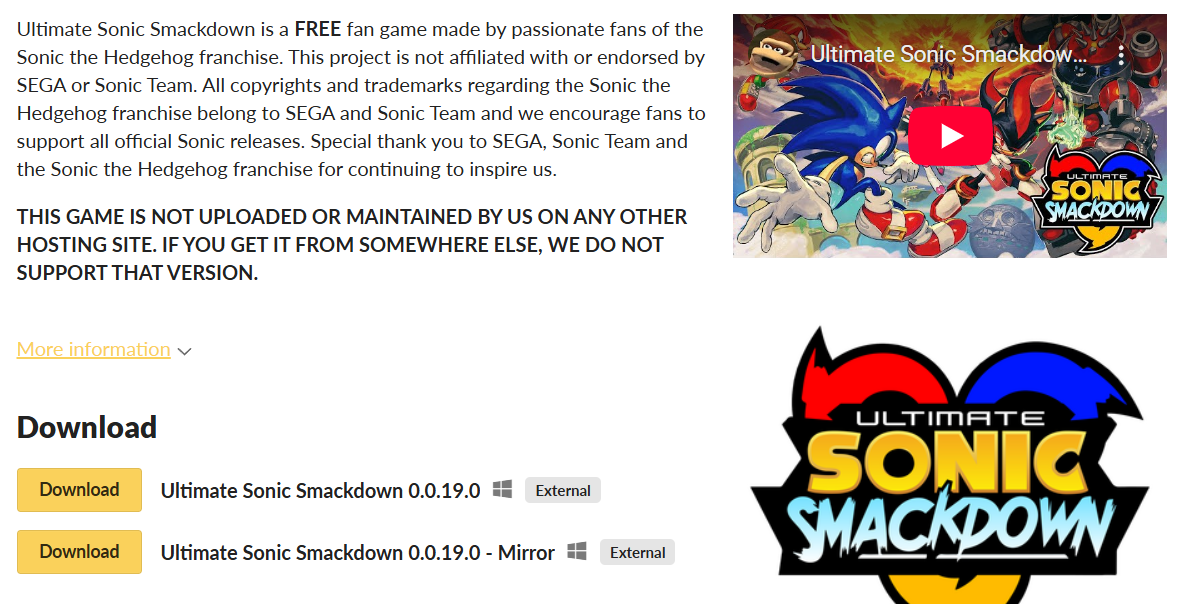
If Google Drive will not allow the file to be downloaded, use mirror download. -
Extract the file.
-
Open the game.
As a non steam game for controller support.
Or open it with DS4windows as an xbox controller which is the default profile setting.
Check Notes from Others on USSD Server for any other things like linux support.
Once you open the game, go to settings.
If the game is lagging you can reduce graphics.
If it's still laggy or you think your pc is getting too hot.
Potato Graphics is just for you.
If you choose the Potato Graphics route, close the game before changing the files. Then reopen it.
Still in settings, you can set your username that will display in lobbies and matches.
Check this out to learn how to play the game.
Ultimate Sonic Smackdown General Tutorial