Training Settings
You can open the menu for frame data and hitboxes and view damage.
By pressing an assist button while paused. You'll need this if you want to make truly optimal combos (less hits more damage).
Controller and Keyboard
In training, make sure the opponent isn't a cpu, by making P1 Controller and P2 Keyboard. You can use the app JoytoKey to give opponent commmands.
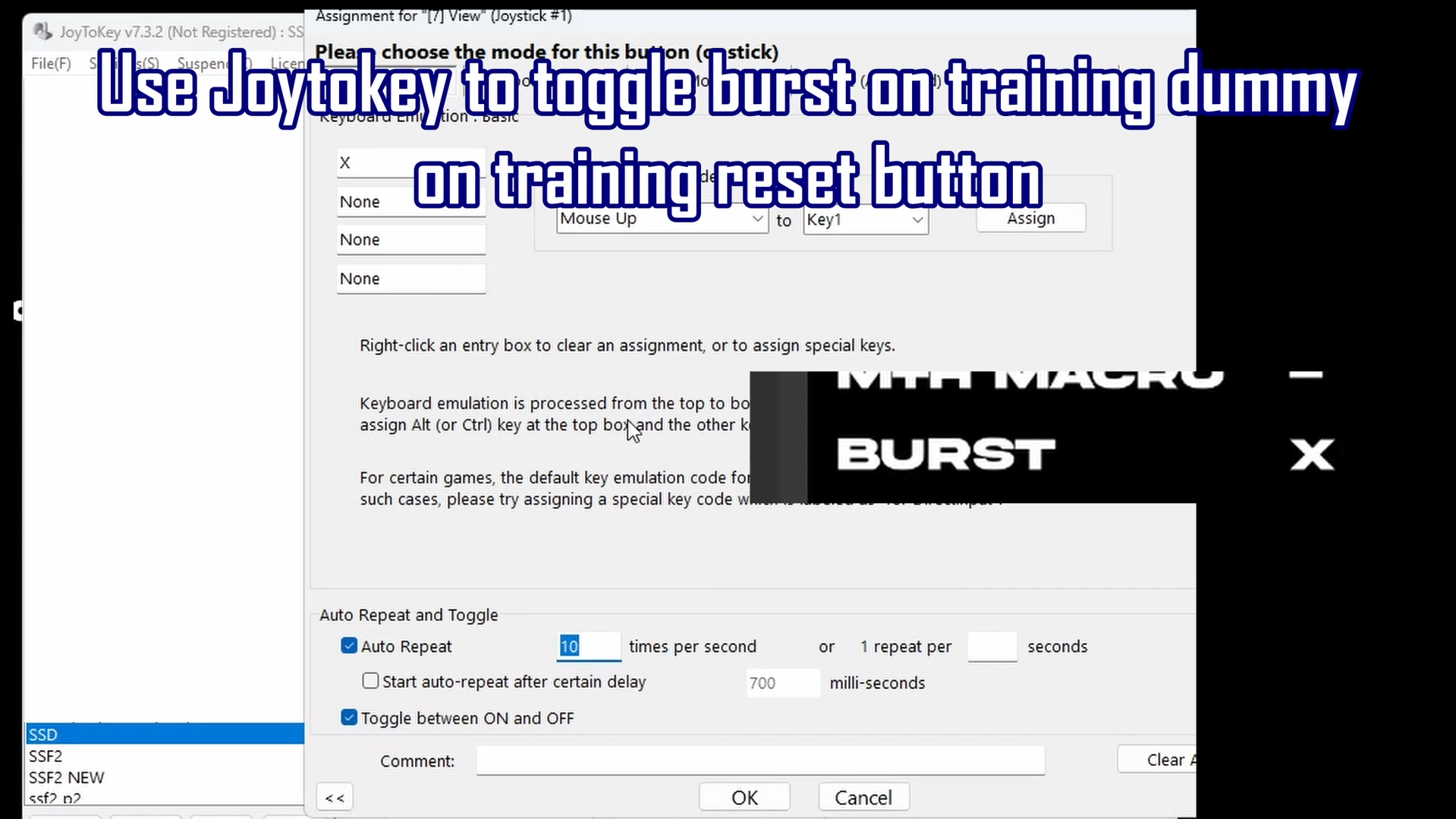
For example, make the opponent burst on training reset.
Setup is 10 seconds into the video2 Controllers (no extra software)
When using 2 controllers. Press hold an input and press the windows button.
Let go of your input.You will see a character repeating that input.
If you press windows again you are in the game and the character is repeating the input.You can use this to make a block dummy.
Or practice grabbing someone in the air.I tried this with using DS4windows on windows without steam.
On Linux with Steam, it may be possible if you use the shortcut for steam overlay.
Alternatively just physically do this with a suitable item.